Quick Answer:
Ordering with MealPal is simple: browse the available meals near you, choose the meal you want, and reserve it using your MealPal credits. When it’s time for pickup, go to the restaurant, open the MealPal app, scan the restaurant’s MealPal QR code, and show the confirmation screen to receive your meal.
Step 1: Browse available meals
Log in to MealPal and browse the meals available near you.
The meals you see can vary by day, location, and availability. Each meal listing shows the restaurant, the meal being offered, and the number of MealPal credits required to reserve it.
Step 2: Select your meal and pickup time
Select a meal to see its details.
Different meals can require different numbers of credits, so you can decide how you want to use the credits in your MealPal plan.
Once you find the meal you want, reserve it through MealPal. You will need to select the 15 minute window when you will pick your meal up.
Step 3: Check your reservation
After reserving your meal, you’ll be able to see your reservation in your MealPal account.
Make sure you know which restaurant you selected and when you should pick up your meal before heading out.
Step 4: Go to the restaurant for pickup
Head to the restaurant when it’s time to pick up your meal.
One of the advantages of MealPal is that your meal has already been ordered through MealPal, so you can skip the normal ordering process at the restaurant.
Step 5: Scan the MealPal QR code and pick up your food
To pick up your meal, you’ll need the MealPal app on your phone.
At the restaurant:
- Open the MealPal app.
- Open your meal reservation.
- Scan the MealPal QR code displayed at the restaurant through the MealPal App.
- Show the successful confirmation screen to the restaurant.
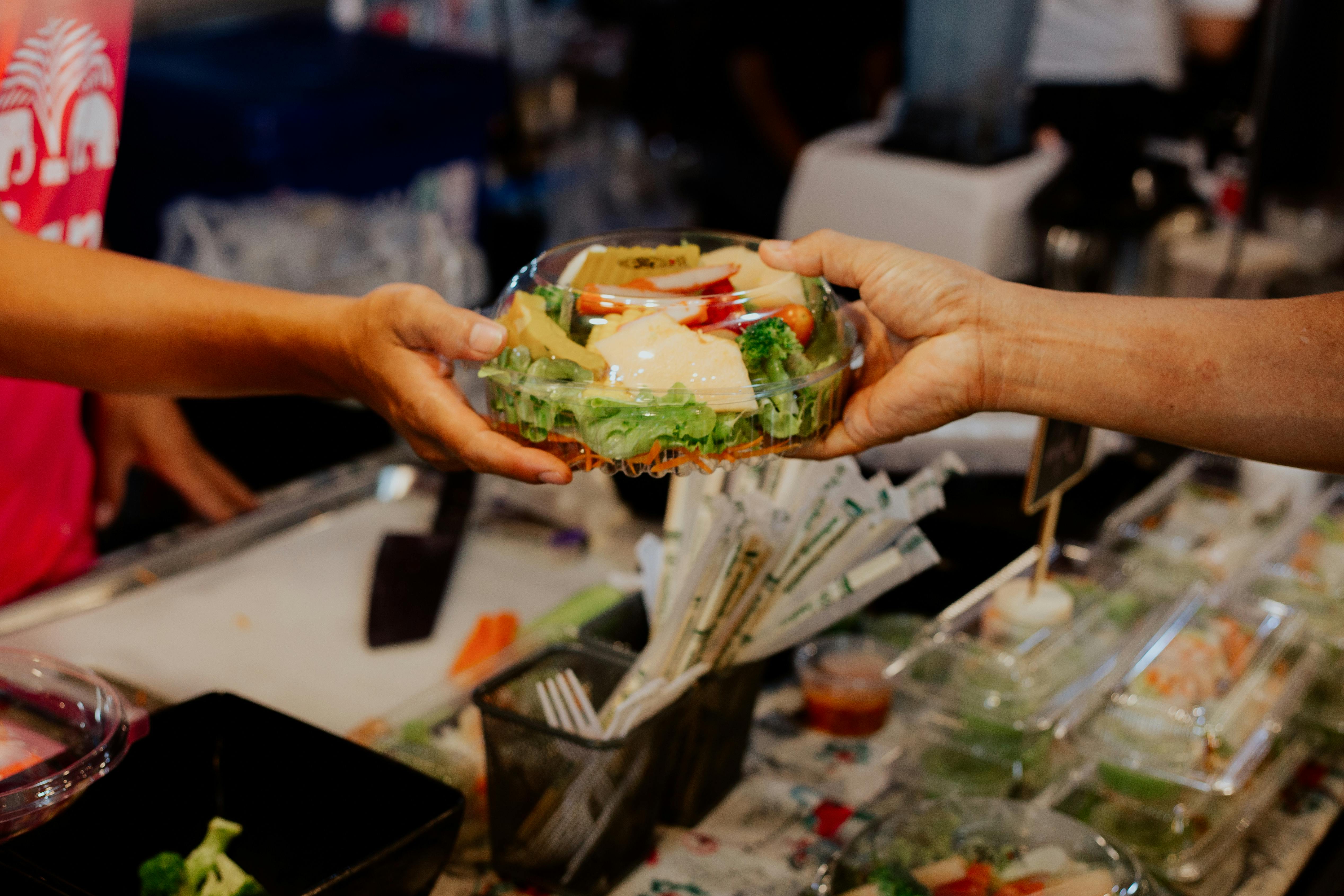
- Pick up your meal and enjoy.
When can I order lunch on MealPal?
On most MealPal plans, you can reserve your lunch in advance for the entire week!
Lunch can generally be reserved until 1:30 PM local time on the day of the meal.
Restaurant and meal availability can change, so the meals available when reservations first open may be different from those available later in the day.
Can I cancel a MealPal meal after I reserve it?
Yes, but you must cancel your reservation through MealPal, rather than contacting the restaurant directly.
If you cancel a lunch reservation before 10:30 AM local time, the credits will be returned to your account and you can reserve a different available lunch before the 1:30 PM reservation deadline.
If you cancel after 10:30 AM the day of the meal, the credits will still be deducted from your account since the order was already committed to the restaurant.
Can I make changes or substitutions to my MealPal meal?
MealPal meals are offered as listed, and restaurants cannot make modifications or substitutions to MealPal orders.
If you have a food allergy or dietary restriction, review the meal information carefully and contact the restaurant directly if you need to confirm ingredients before reserving a meal. Do not contact restaurants to ask for modifications to a meal.
What do I need to pick up my first MealPal meal?
Before heading to the restaurant, make sure you have:
- The latest version of the MealPal app on your phone
- Access to your MealPal account
- A working phone camera so you can scan the restaurant’s QR code
You need to scan the MealPal QR code at the restaurant and show the successful confirmation screen to complete your pickup.
Common mistakes to avoid on your first MealPal order
A few things to remember:
- Don’t wait past the reservation deadline. Lunch reservations generally close at 1:30 PM local time. You can pick up your meal later than that, but must reserve it by 1:30 PM.
- Bring your phone. You need the MealPal app to complete your pickup.
- Don’t cancel through the restaurant. Reservations and cancellations should be handled through MealPal.
- Check the meal before reserving. MealPal restaurants cannot customize or substitute ingredients in the meal being offered.
The bottom line
Ordering your first MealPal meal only takes a few steps: find a meal, reserve it with your credits, head to the restaurant, and scan the MealPal QR code when you arrive.
Once you’ve done it once, picking up lunch with MealPal is designed to be a fast way to get your meal without going through the usual ordering process.